The new Power Automate designer offers benefits like copy and paste for condition, switch, and scope blocks, the ability to save as draft, and version history. However, it has some issues to consider, such as non-updating expressions and the save as draft function not triggering flow checker.
The usage of Power Automates new designer has been a topic of conversation in the community. Personally for a long while I have landed on the side of immediately switching across to the old designer however that has changed. With a large percentage of my time being spent in power automate on large scale solutions with multiple flows I’ve come across some benefits of using the new designer
Copy and paste condition, switch and scope blocks
This is probably one of the major benefits. Quite often I’ve wished I could do this. Well now with the new designer it’s possible. I’ve found this more useful when I have branching flow where the action steps to take are the same but there are slight differences to the information being provided.
Save as Draft
A small button with a big impact for ensuring you have a positive work life balance. When working on complex problems sometimes taking a break and coming back to it later is the best option. Prior to new designer if you saved a flow that you had made changes to that saved version was then the published version. With this we can now be making chagnes to a flow and save it as draft, the flow will then continue to work as it had before you made those changes. This makes working on resolving complex issues or making complex changes much easier as we can step away without impacting the flow
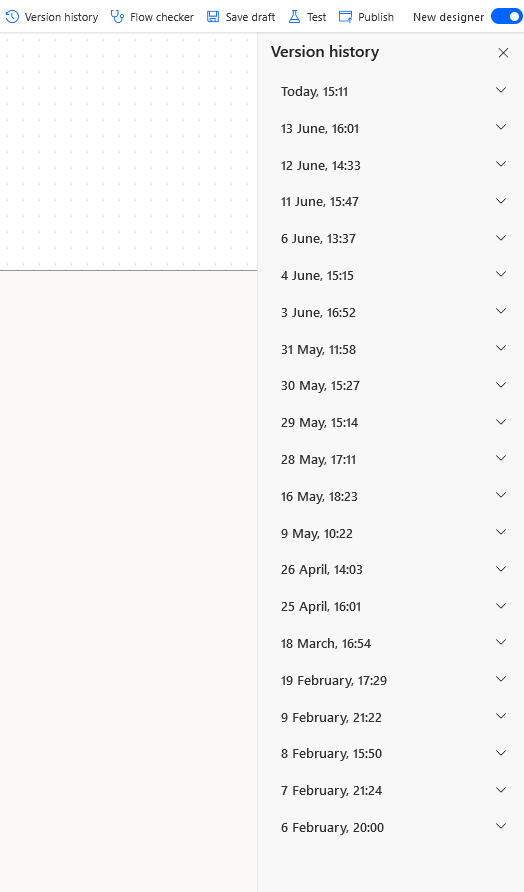
Version History
A small thing but very useful. If you’ve ever made a change to a lfow and then hit save and test and wished you could go back this enables that meaning you don’t have to be worried about trying something new and overwriting something that is working.
That being said, the new designer still has some minor issues so some things to be aware of when you use these features:
When copy and pasting scope, condition and switch blocks the expressions within them don’t update to refer to the copied pathway. So make sure you go back and adjust the names of actions called in all expressions used or you won’t be able to publish the flow
The save as draft button doesn’t trigger flow checker, this means you won’t be made aware of issues until you try to press publish so even if flow checker is empty you may still have issues
With all that being said, I mentioned that my opinion on the new designer has changed. So now my approach is to use a combination of the 2 views to make use of the feature set of both. But I would love to know your thoughts so please do leave them in the comments






 Power Nerd Insights - Power Platform Tips and Tricks
Leave a comment